Last year, I used Figma in the Appy Days project as part of BA1B. Whilst I struggled with it a bit at first, prototyping in an excessively long way that meant it didn’t work very well, and that elements were low quality and didn’t work as well as they could have.
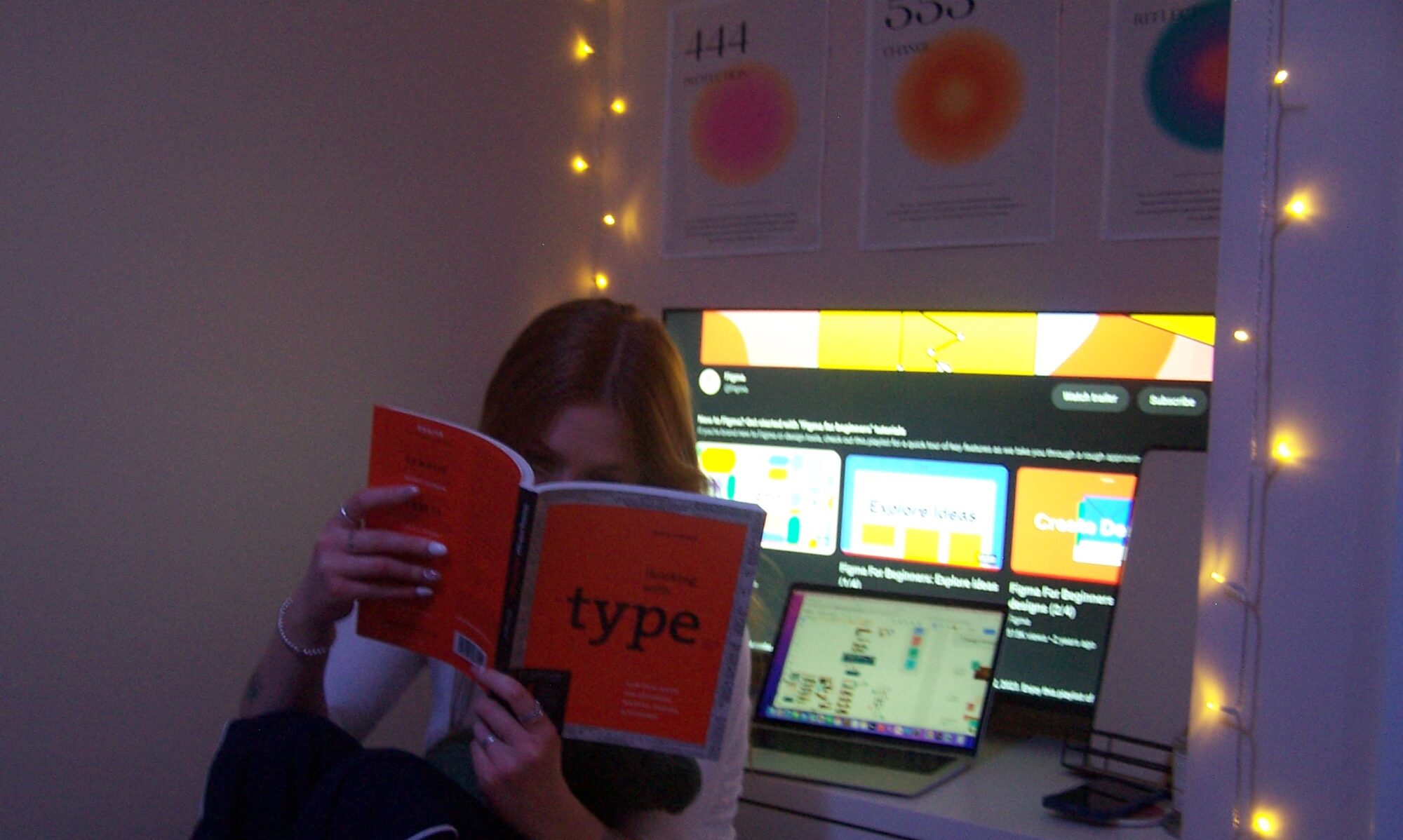
Since then, I have been watching Figma’s tutorials, and learning a lot about the way that you can prototype, build different components, auto autolayout, and most importantly, Smart Animate! Which was the focus of this workshop.
Smart Animation
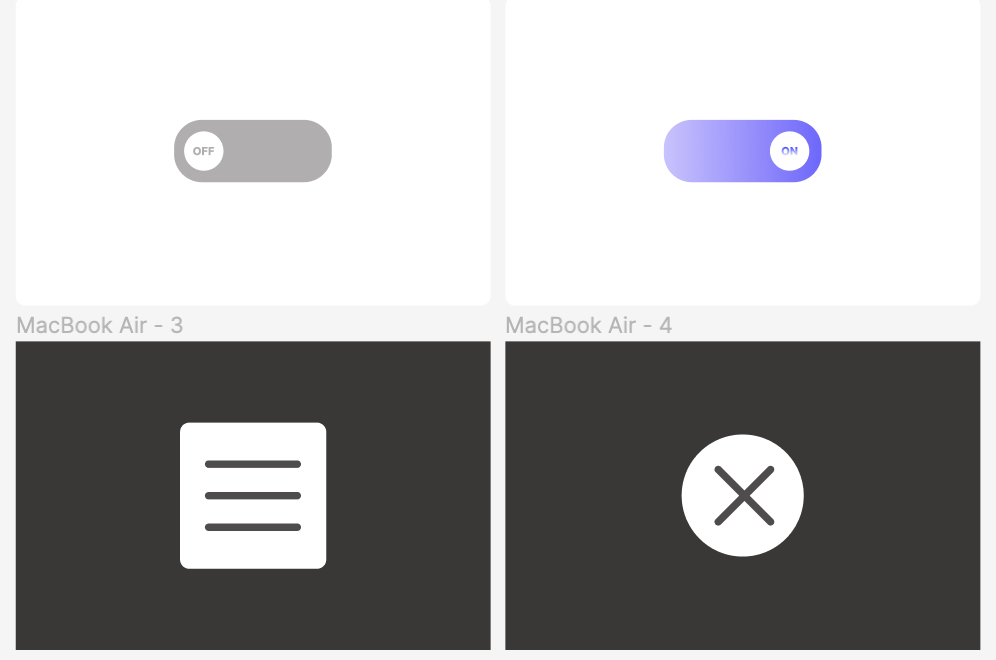
This form of movement builds a cohesive and entertaining product, and is used throughout industry. With the availability for bouncy, gentle, and jolty movements, it was really nice to go over this again and build a vector lock. After this, I went home and learnt some stuff from the Figma Workshops on Youtube. This included different hover state animations, as well as some scroll to find maps.
Because of this, I feel confident in my ability to progress further within Figma, by using the noodles to build different structures. I do however, hope to progress within Figma by looking into auto layout, and possibly by thinking more about the back end of the webpages and products we design and build.