Workshop : Figma

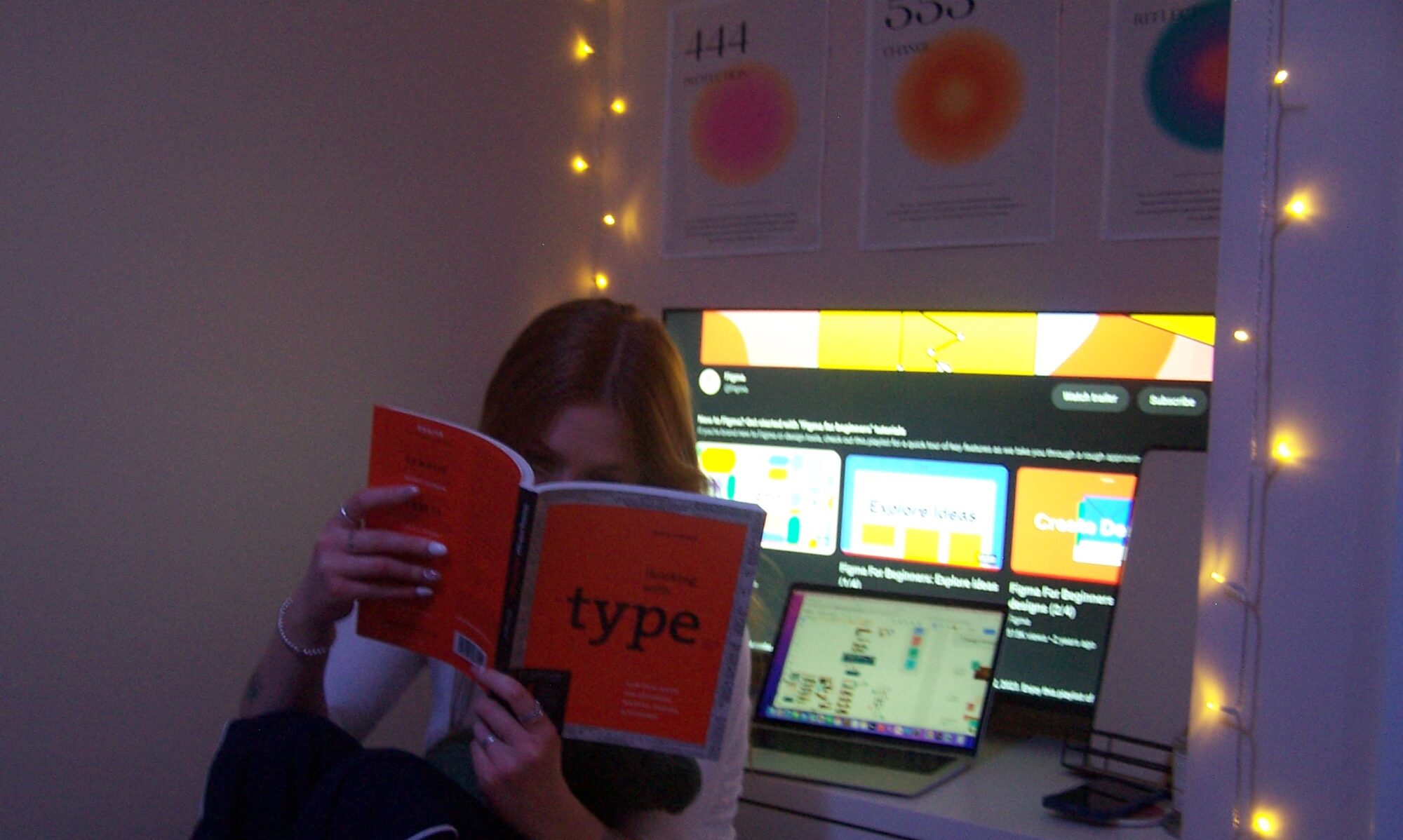
Last year, I used Figma in the Appy Days project as part of BA1B. Whilst I struggled with it a bit at first, prototyping in an excessively long way that meant it didn’t work very well, and that elements were low quality and didn’t work as well as they could have.

Since then, I have been watching Figma’s tutorials, and learning a lot about the way that you can prototype, build different components, auto autolayout, and most importantly, Smart Animate! Which was the focus of this workshop.

Smart Animation

This form of movement builds a cohesive and entertaining product, and is used throughout industry. With the availability for bouncy, gentle, and jolty movements, it was really nice to go over this again and build a vector lock. After this, I went home and learnt some stuff from the Figma Workshops on Youtube. This included different hover state animations, as well as some scroll to find maps.
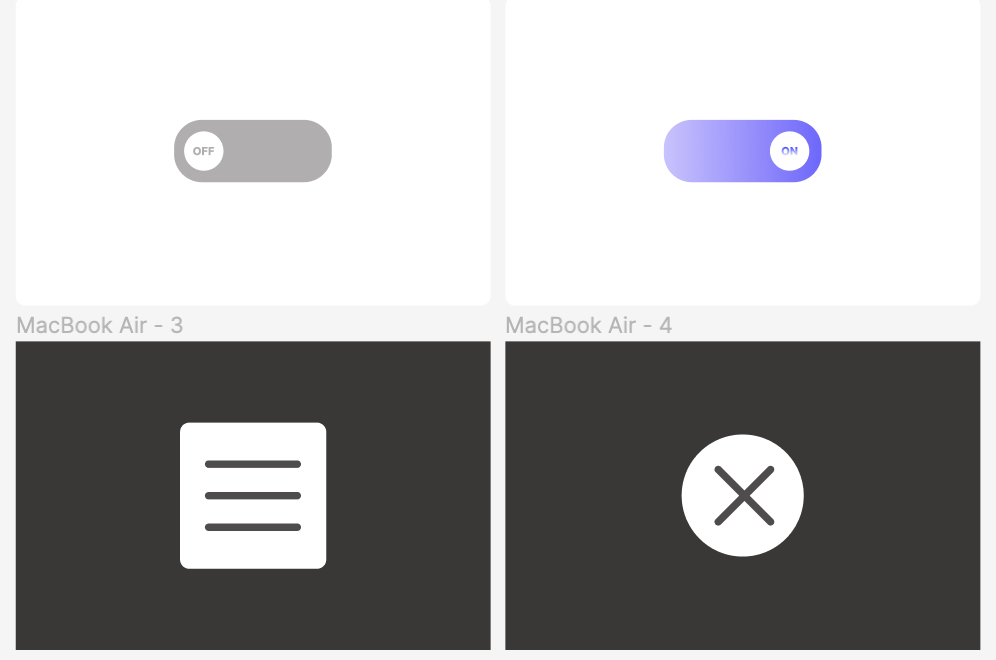
Because of this, I feel confident in my ability to progress further within Figma, by using the noodles to build different structures. I do however, hope to progress within Figma by looking into auto layout, and possibly by thinking more about the back end of the webpages and products we design and build.
Workshop : WordPress

In this workshop, we learnt all things WordPress with Robert Skinn, a multi-disiplinary designer focused on website design in ‘A Fine Studio.’ As this was the first time meeting Robert, he gave us a brief show of some of his work, as well as a few tips and tricks he felt were good to share. One of which that I thought was good to note was that of Robert’s ‘Tool Kit Must Have’s!’

Tool Kit Must Have’s

Digital Ocean

Described as a ‘hosting’ sight, meaning something in which allows us to host our own servers for various websites (such as the NUA websites), this platform is a cheap and comprehensive way of securing ones own server, inclusive of its own security and maintenance.

Microsoft Visual Code

Whilst I have never looked too much into code, it would not be something I would be against trying – and so I was very glad when Robert mentioned a system in which could be used by beginners to create and develop their own code, helping learning in the process.

Free to use and supported on all platforms, MSVC allows for 36 different languages, all with a debugger, making it one of the few platforms allowing for nearly all coding languages.

The Affinity Group

Built very similarly to the Adobe suit, the Affinity Group apps allow for the same outcomes at a lower price, much more affordable for designers within their own freelance work, at a one time payment, as opposed to Adobe’s monthly bill. Affinity offers Photo, Designer and Publisher.

Playing with WordPress

We began by looking at different plugins, and a few different things that Robert thought of as important to the world of WordPress, such as security, image size reducers and different themes.

We had a play around with different blocks and the way that they move, as well as looking at a little bit of code behind the blocks, suggesting how they work.

Workshop : Friction and Delight

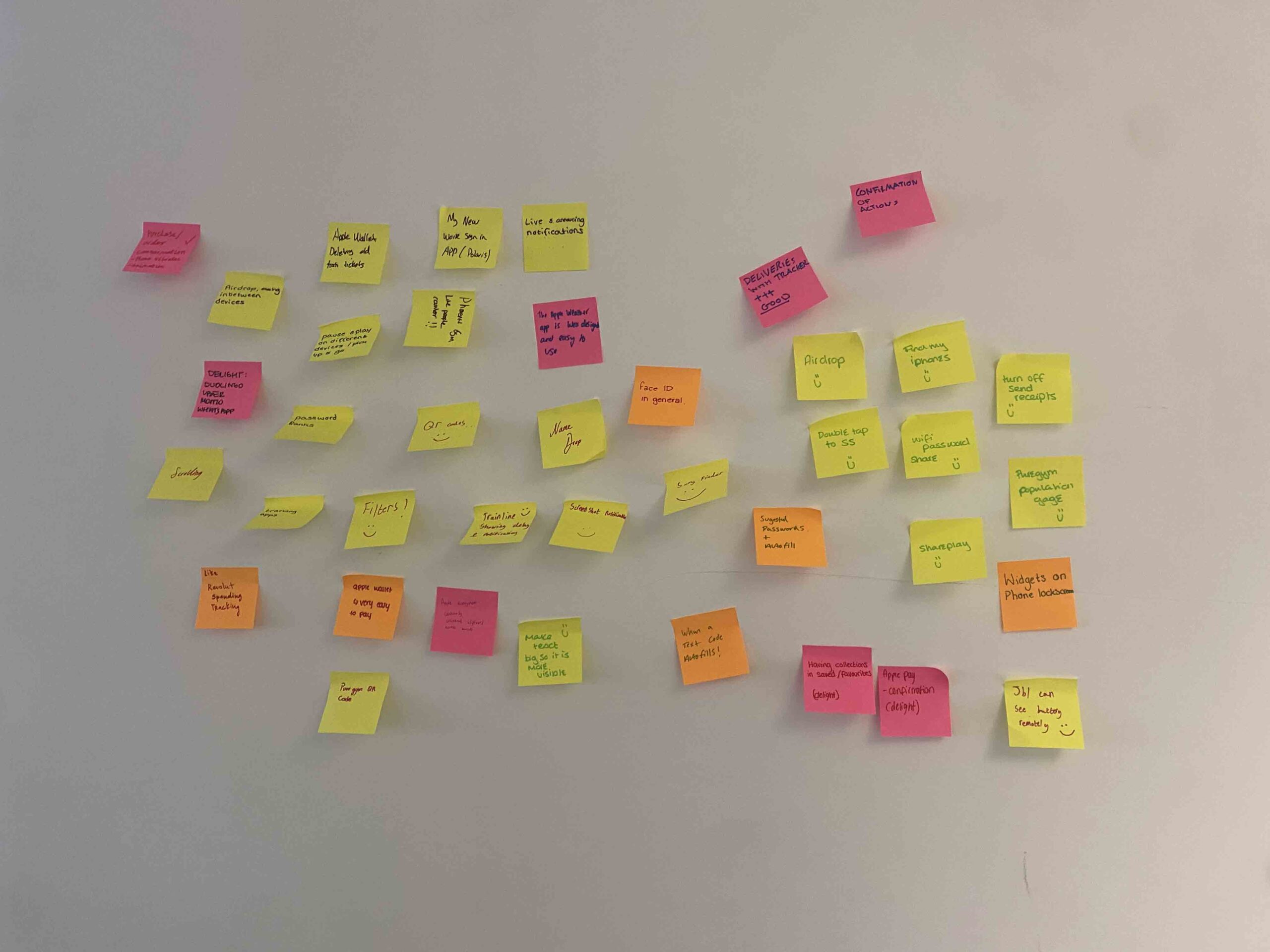
Today was the very first lesson of our second year, and we began by writing down various features that we both love and hate about current design systems. We worked together to list off these reasons, with different apple features mainly being favored.

This makes it very clear that apple are one of the few brands that manages friction very well, and solves problems with ease and relatively quickly – probably why they put out so many updates!

What we thought…

Friction

A site not being easily navigated


When a site changes its style and we can’t find things


Slow loading times


Apple updates that we didn’t ask for


An action requires too many steps


The website doesn’t take us back to where we started after a flow


Too much to filter through

Delight

Airplay

Sharing screens on Netflix (bluetooth)

Find my Iphone

Wifi Password Share

Live Notifications

Apple Wallet