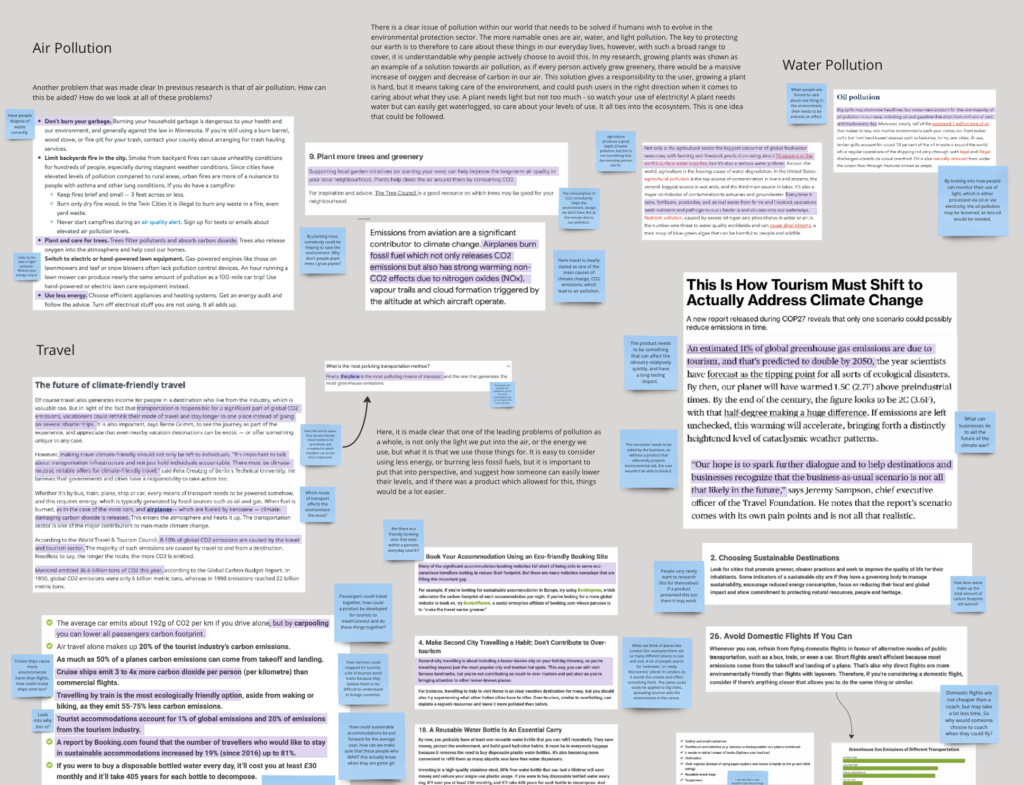
After doing my base research, it was time for me to look into interviewing some potential users for my project. I knew that I wanted to base my final product on travel or the way that people travel, but at this point I am not exactly sure on a specific function – but that’s okay! The user interviews were aided by the fact that I was unsure as it didn’t make me lead the users down one specific path.
I began this by looking into different questions I could ask before I made a complete script. I needed both quantitative and qualitative data from this interview and I also needed 5 of them. This meant I wanted not only to diversify my answers but also to find similarities and differences in their choices and actions. I knew I wanted to ask about 3 different categories: travel waste, general travel, and transport. These were all categories that I felt I would gain a lot from and so made sure that they were included. I asked the user about their waste in hotels from complimentary items as that was outlined in my statistics. Instead of asking if the user would use transport that was cleaner such as a ferry, I asked them how they would make their whole trip cleaner, in order to grasp if they A, understood how transport affects a trip, and B, if they knew which was best. Then when it was time to gain data on how they acted, I chose 4 websites for them to look into and to guide me through, as well as seeing what they would choose to do unprompted. This turned out to be really worth while. The only trouble I did face was halfway through when I asked (just by chance) one of my users to do the interview on her phone, to which she found some of the better platforms harder to navigate and some of the worse ones a lot better by a mile. Because of this, I conducted two of my interviews via a phone and three on a laptop.
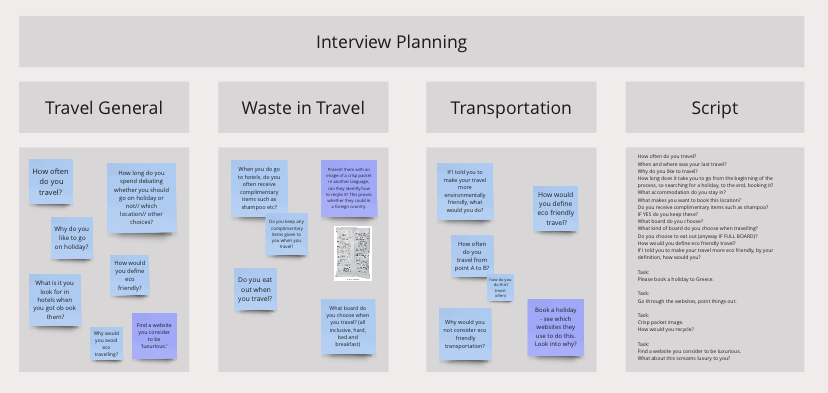
I used the transcript of these 5 interviews to then commentate on them, getting pieces of information together I wouldn’t have been able to prior to doing the I interviews. From this, I then chose to move on to doing some Competitor Analysis, as I used the webpages I asked the user to find in order to complete this section.
Interview miro board :https://miro.com/app/board/uXjVNSGXWcQ=/?moveToWidget=3458764569009143207&cot=14
Competitor reviews
Part of this process was asking the users to name a website they saw as ‘luxurious,’ for me to take inspiration from when gathering material for my own design system. If backpacking was not to be seen as luxurious by most people, then I needed to make sure the process felt as luxurious as the actual trip could be – to prove them wrong! Some of these included Charlotte Tilbury, Louise Vuitton, and Selfridges. The more important thing for me here was discovering WHY people saw these websites as luxurious. Most simply stated it were the products they sell, and whilst that can’t help holiday sales, it can help me to understand how a products marketing, packaging and overall presence in person and on a site, can create a ‘luxury’ brand from the everyday.
I also looked into 4 different sites and how they use their own systems to build up different ideas. Some were absolutely useless in the process, and some were amazing. It helped me to understand the do’s and don’s of OTA’s as well as of website structure in general. I organised these by Heuristically marking them up, followed by putting them against Normans 7 principles, and then having my users annotate them verbally in their user interviews.
Miro Board : https://miro.com/app/board/uXjVNSGXWcQ=/?moveToWidget=3458764570019341963&cot=14
Expert Interview
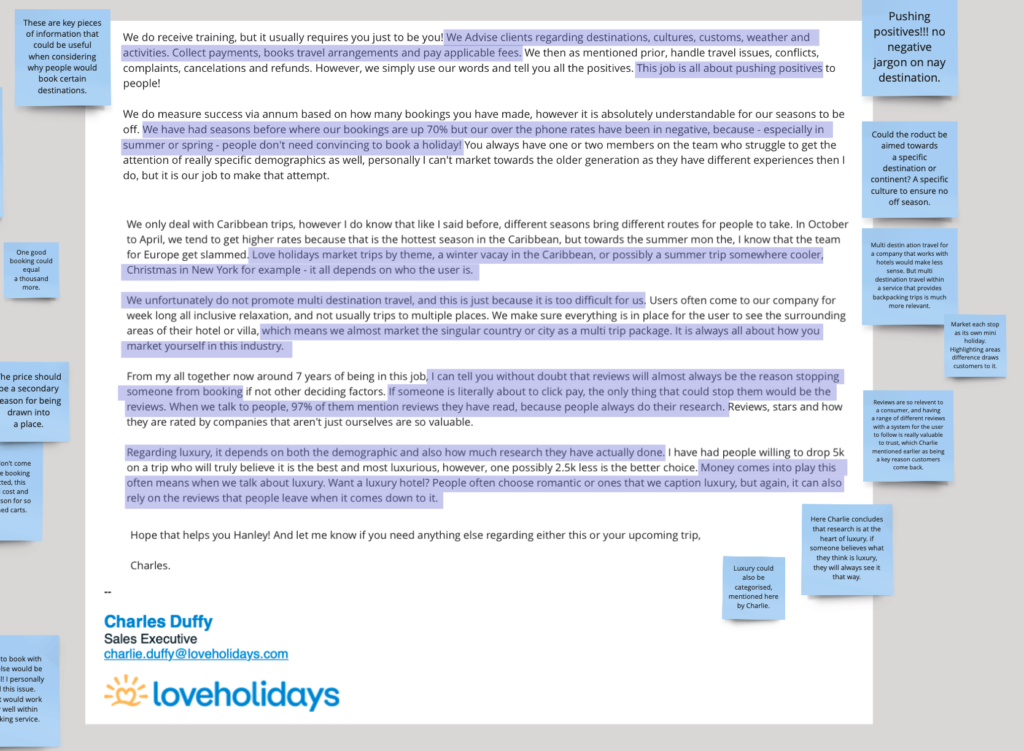
Then, I moved onto my expert interview, which I had a Sales Advisor from Loveholidays help me out on after purchasing through him. Charlie works as a Sales Executive, and leads a group of 6. He taught me a lot about how people actually advance through the processes of OTA’s, and made it very clear to me the set backs and the advances that could be made for any online agency.
One of these changes was having the ability to book with others, while another was being able to return to a page, or finding the different buttons easily as opposed to them being too small and unreadable.
Miro board link: https://miro.com/app/board/uXjVNSGXWcQ=/?moveToWidget=3458764569009143208&cot=14