This week, I made considerable progress moving my app to a state where it is more produced and well-rounded.

I bought my use of Area Inktrap Extended to the app, incorporating it in certain elements while also retaining the use of SF Pro for areas of body or information where necessary.
At this stage, upon reflection and analysis of the way the app was heading, as well as being reflective of my own research, I chose to move away from the green colour scheme. I considered the element of who I was targeting my application to, and decided as the function of the app is not to act as an “environmental hero” but more as a way of rewarding vapers for doing their part, a purple colour would be more appropriate.
Watching the iterations go by
I took an iterative design approach, reflecting on feedback as I continue the development of my work.


I considered visual rules I will use to create the app. Lighter elements lift off the darker background to create a sense of hierarchy. Press-able buttons have a drop-shadow, whereas informative non-tappable elements do not and sit flush with the background only separated by colour.
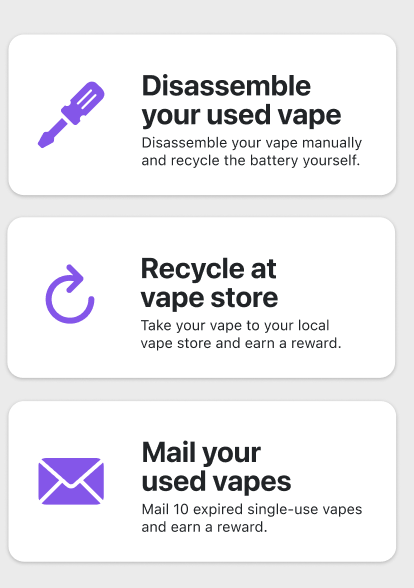
Pressable buttons
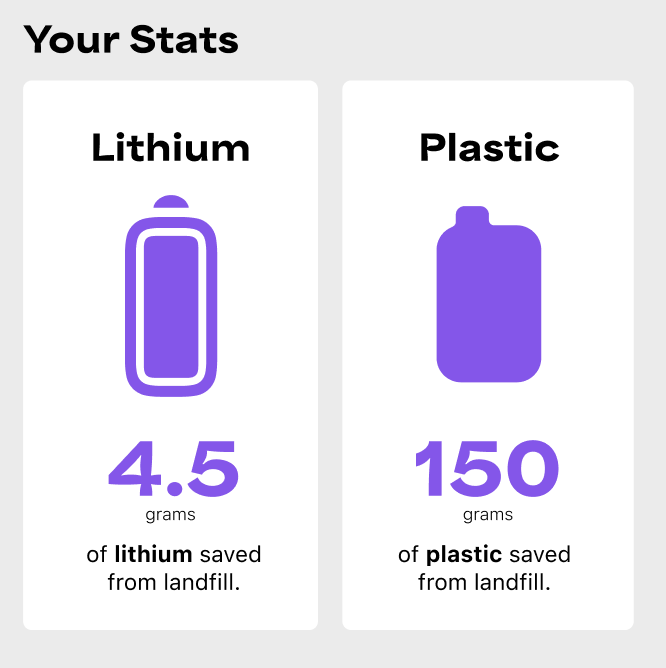
Informative elements
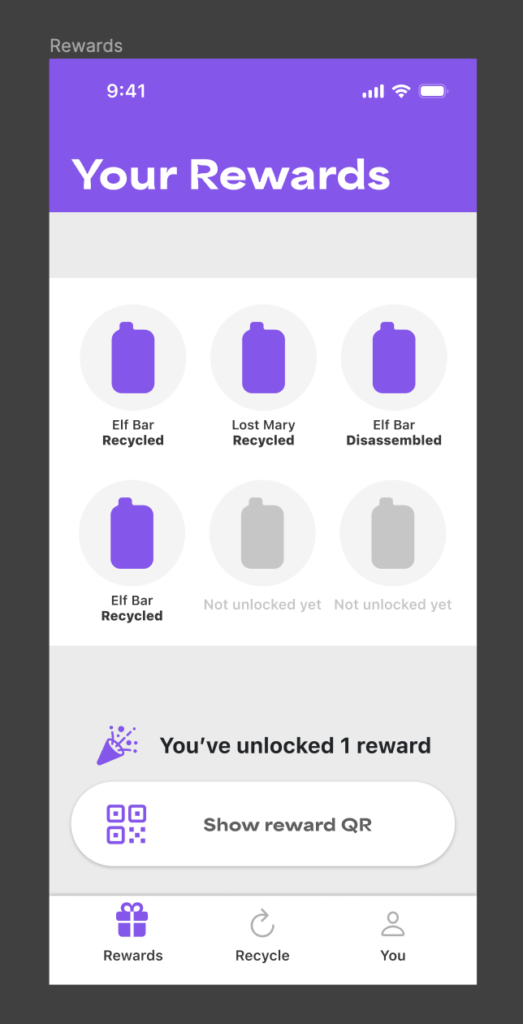
I created mock vape icons simply within Figma’s built in vector editing tools. In the future I would like to add more variety of vapes which will serve a functional purpose.
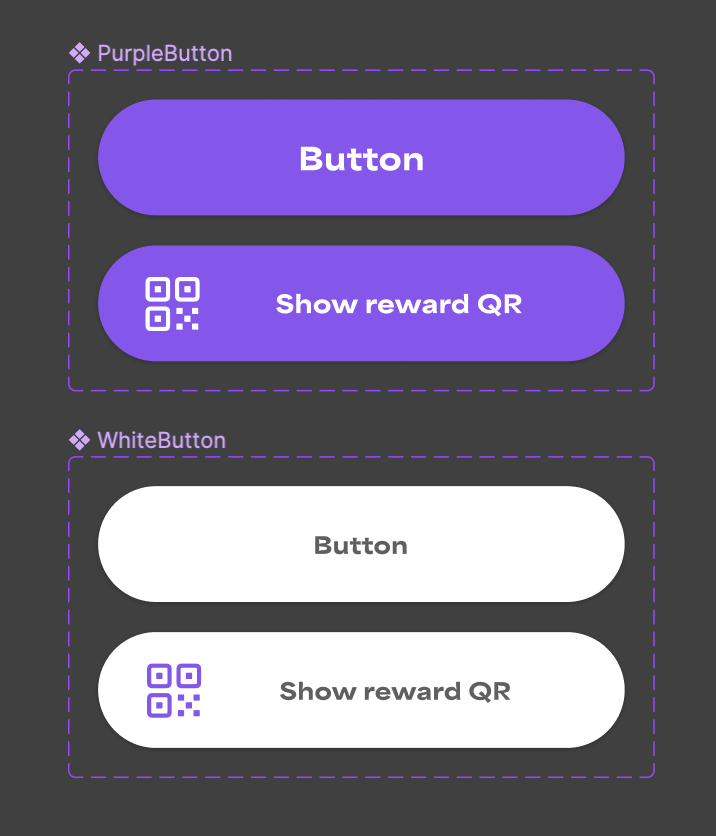
I’m using components purposefully with the genuine intent of being useful and having quick access to update features across the whole app. I created a set of customisable buttons to display text and/or with a symbol.
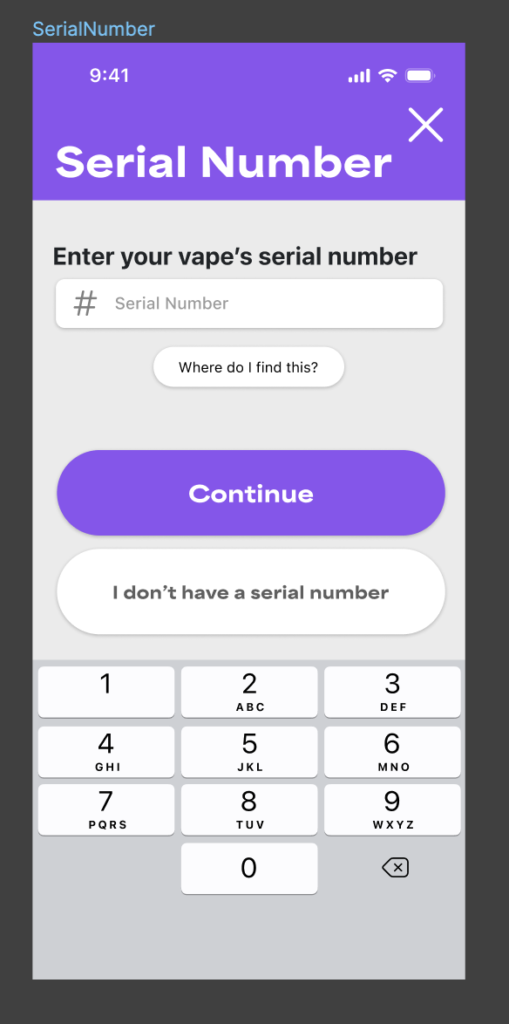
I drew from Apple’s rich set of elements to create a realistic app that shows purpose as if it was running on a real iOS device.
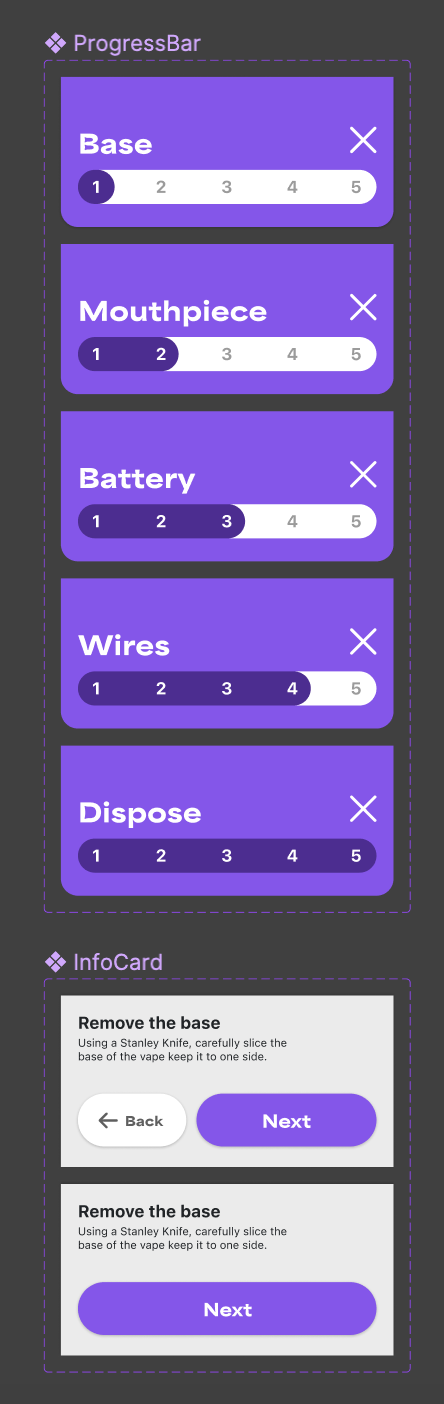
By using components and the features of components effectively, I have created an organised environment within Figma. For example, by using component variables I can easily change aspects from screen to screen, for example having one single component for all instances of ProgressBar, where all I need to do is change one single property and have the whole component update appropriately to match it’s surroundings.
Animations
My animations really came to life this week.
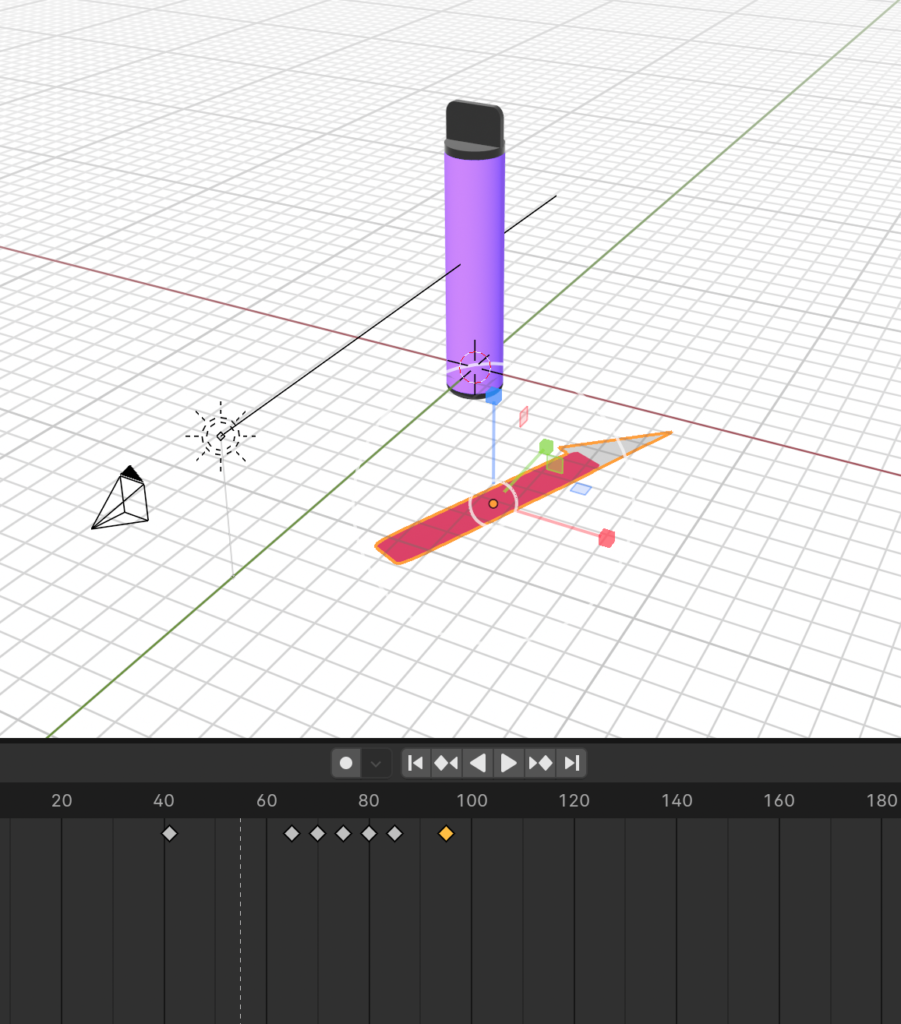

Creating these animations required bringing together skills I have previously gathered from a range of disciplines, such as object modelling, keyframe animation, lighting, texturing and project management (organising all elements, ensuring they are well named and grouped appropriately for animation). I was pleased with the outcome.