This workshop covered some of the more advanced features of Figma, starting with Components & Variants and then progressing on to variables. Although I am already quite familiar with Components & Variants, I found it helpful to have practice with Variables as they are relatively new and quite complex.
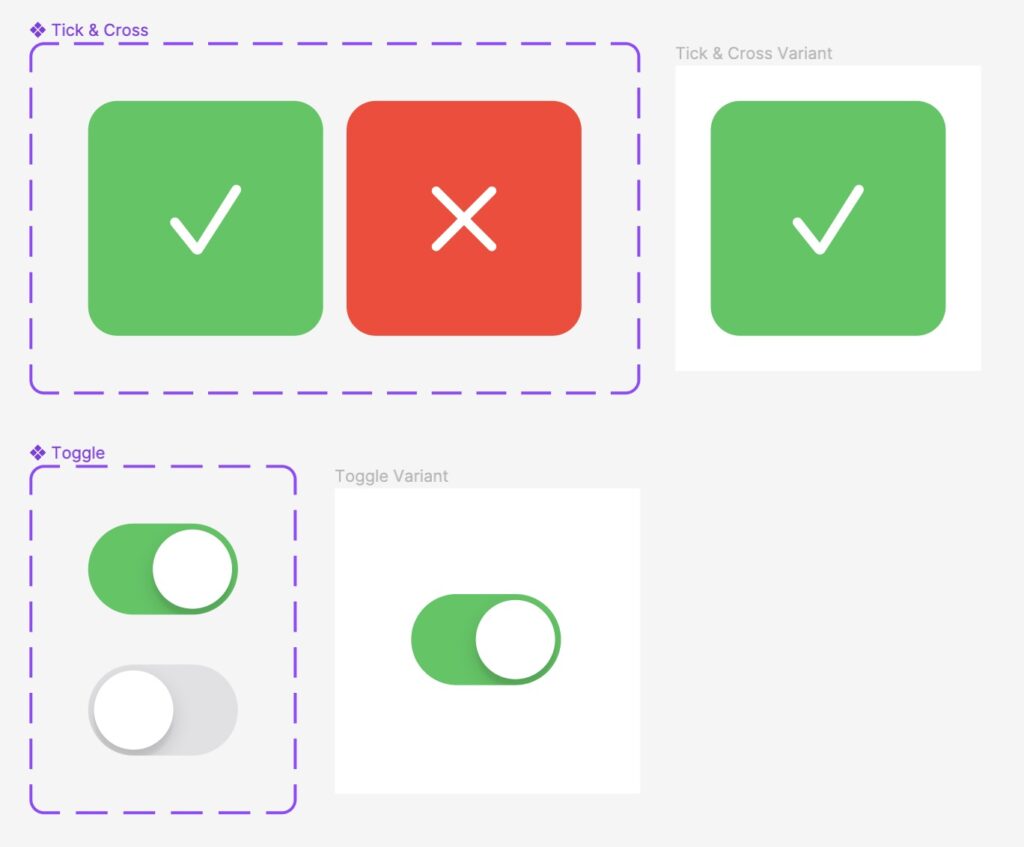
I created several Component Sets, and prototyped them to work together:
To experiment with variables, I created a ticket counter with plus and minus buttons. To do this, I created a number variable called tickets and set clicking either button to change the value of the variable.
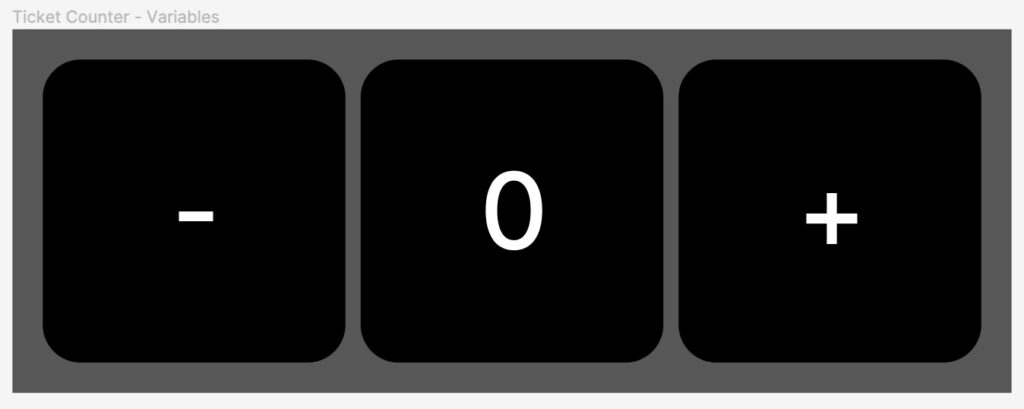
I set the number text in the centre block to display the value of the variable.


Using conditionals, I also limited the number of times each button could be pressed to prevent negative numbers and numbers beyond 8.
I enjoyed making these little interactive examples of these features, and although not too challenging it was a helpful reminder of the capabilities of Variables and the importance of Components and Variants in a design system.
Copy and content, including microcopy and microcontent was also covered separately during the workshop, with a few slides summarising the differences and key points:


Having not heard about this before, it was useful and insightful to discuss what they mean – I will refer back to the presentation.