
For this workshop we were split into smaller groups and taught different things on how to design something using HTML and CSS.
First we had to download visual code editor, which allowed us to type in code and view what we were doing live, to see whether it worked.
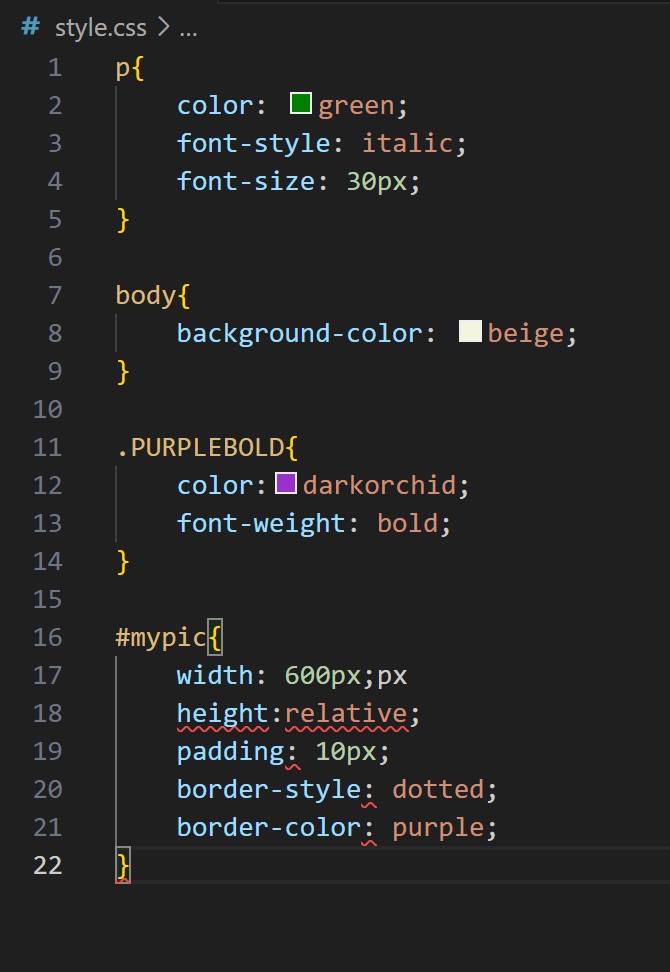
This week we just went over the basics of CSS and how we can create a webpage and style it. For example, how to increase the size of your text and how to get it to be centred or aligned to the left.
We also looked at how to change the colour of the background and text to make the website look a bit more styled.
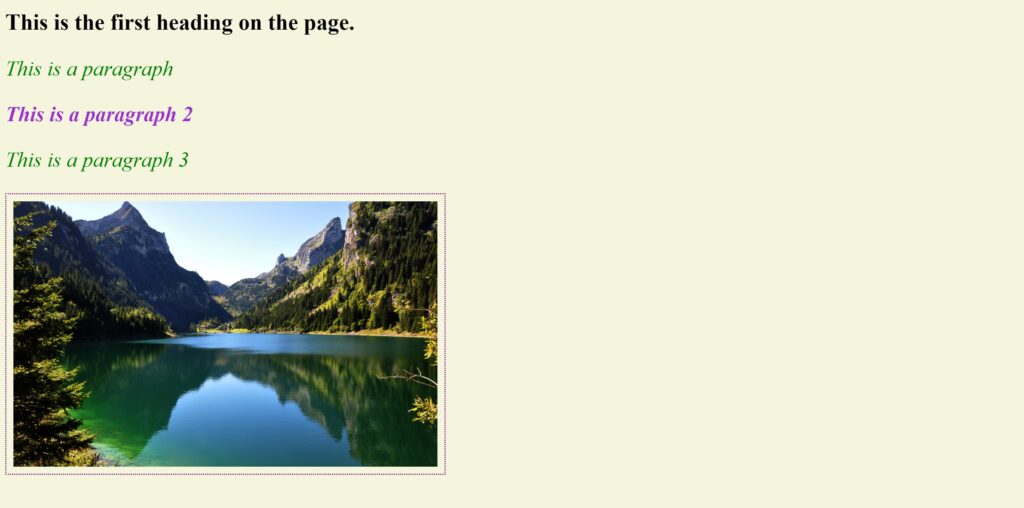
Towards the end we looked at how we would add an image and resixe it so that it fitted the page and giving it a border.
I found this really interesting as I have had very little experience with different code languages. I now feel more comfortable with looking at coding and not so scared about it.